Next.js vs WordPress for SEO: Which Is Better in India?
Compare Next.js vs WordPress for SEO in India. Explore Core Web Vitals, rendering, costs, maintenance and migration strategies for business growth.
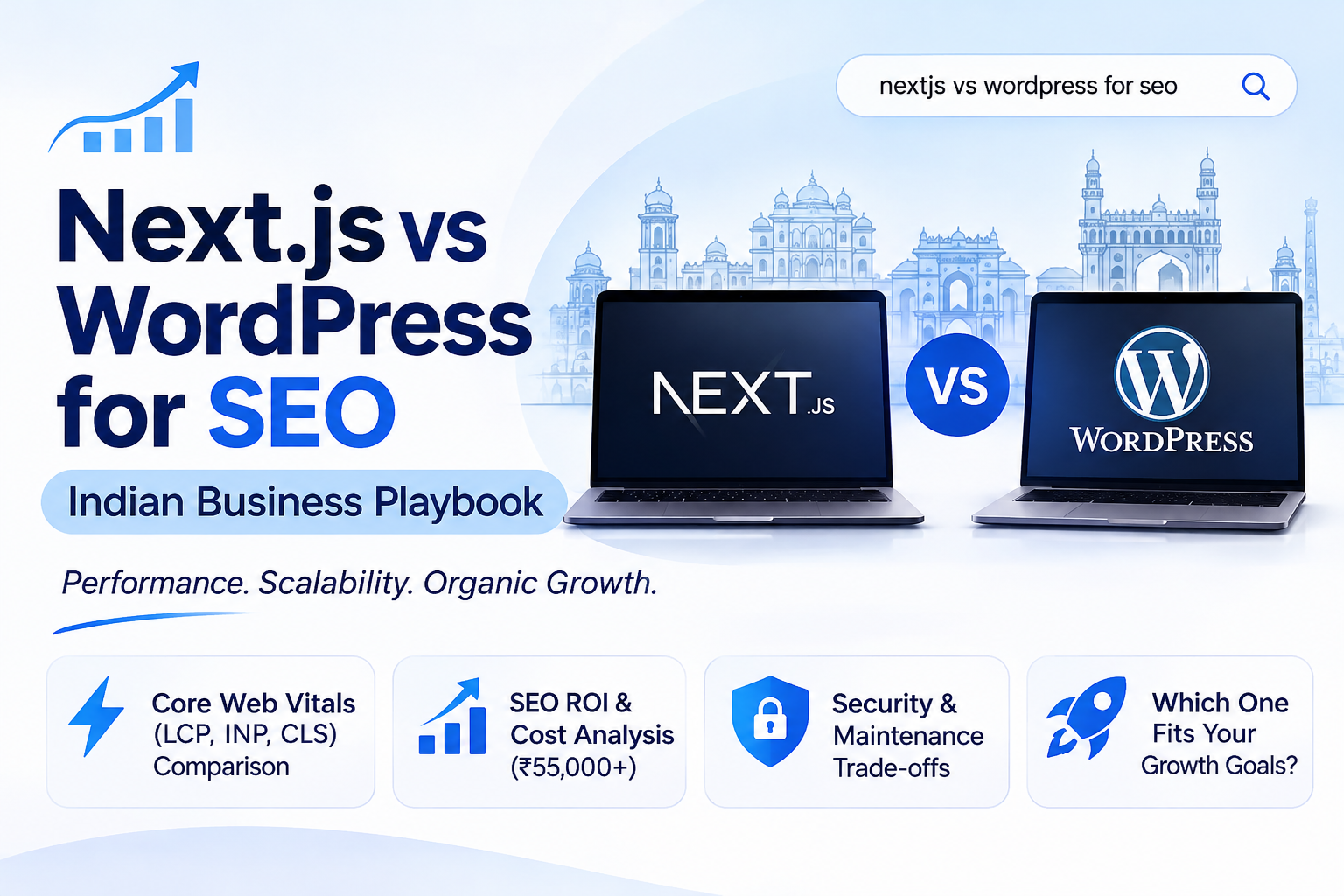
Next.js delivers near-instant Core Web Vitals and sub-second page loads via SSR/SSG, ideal for high-scale D2C brands and competitive B2B portals. WordPress offers plug-and-play SEO setup but struggles with script bloat. Custom Next.js builds start at ₹55,000–₹1,50,000 + GST for superior ranking performance.
Next.js vs WordPress for SEO: An Indian Business Playbook
Choosing between Next.js and WordPress is more than a website development decision. It affects how your business publishes content, manages technical SEO, delivers mobile experiences, maintains its website and scales organic acquisition.
For Indian businesses competing in sectors such as healthcare, real estate, education, SaaS and D2C, the right platform can make website management and search performance easier to scale. However, the best choice depends on your business model, technical resources, content requirements and growth plans.
WordPress offers an accessible publishing ecosystem with thousands of themes and plugins. Next.js provides a modern React-based framework with flexible rendering strategies, strong developer control and options for building highly customised digital experiences.
So, which is better for SEO?
WordPress is often the practical choice for content-led websites with limited development resources. Next.js can be a stronger fit for businesses that need custom functionality, performance control, complex integrations or scalable web applications. Neither platform automatically guarantees higher Google rankings.
This guide compares Next.js vs WordPress for SEO, including Core Web Vitals, rendering, technical architecture, security, costs and migration considerations for Indian businesses.
1. Next.js vs WordPress: Understanding the Core Difference
Before comparing SEO capabilities, it is important to understand how these platforms work.
How WordPress works
WordPress is a content management system (CMS) built primarily with PHP and commonly backed by a MySQL-compatible database.
When a visitor requests a page, WordPress can retrieve content from its database, process the page through its theme and plugins, and generate HTML for the browser.
With suitable caching, a WordPress website can also serve cached pages efficiently without repeating the full database and PHP execution process for every visitor.
Its biggest advantage is its publishing ecosystem.
Businesses can manage pages, blog posts, categories, media and SEO settings through the WordPress dashboard. Plugins such as Yoast SEO and Rank Math provide accessible tools for metadata, XML sitemaps, canonical URLs and other optimisation tasks.
How Next.js works
Next.js is a React framework used to build websites and web applications.
It supports multiple rendering strategies, including:
- Static Site Generation (SSG): Pages are generated ahead of time and served as static assets.
- Server-Side Rendering (SSR): Pages are rendered on the server when requested.
- Incremental Static Regeneration (ISR): Static pages can be regenerated after deployment according to configured rules.
- Client-Side Rendering (CSR): Parts of the interface are rendered or updated in the browser.
A Next.js project can combine these strategies depending on the page and application requirements.
For example, a company blog may use statically generated pages, while a personalised dashboard may rely on dynamic server rendering.
Next.js also provides developer tools for metadata, image optimisation, font loading and script management. These features offer flexibility, but their benefits depend on implementation and deployment quality.
2. Technical SEO Performance: Core Web Vitals, Rendering and Crawling
Test Your Website Right Now Against This Playbook
Check title length, meta description, canonicals, H1s, and schema signals relevant to "Next.js vs WordPress for SEO: Which Is Better in India?".
Website performance influences user experience and is part of Google's page experience considerations. A fast website can also reduce friction in important journeys such as form submissions, product discovery and appointment booking.
However, technical architecture alone does not determine search rankings. Content relevance, helpfulness, internal links, backlinks, crawlability and many other factors remain important.
2.1 Server-side rendering vs dynamic PHP execution
A common misconception is that every WordPress page requires a fresh database query and PHP execution.
In reality, WordPress performance depends on its hosting environment, caching configuration, database efficiency, theme and plugins.
A well-configured WordPress site can use:
- Full-page caching.
- Object caching with Redis or similar systems.
- Content delivery networks (CDNs).
- Optimised database queries.
- Efficient themes and plugins.
- Image and asset optimisation.
Next.js offers a different architecture. Developers can pre-render pages, cache server responses and distribute static assets through a CDN.
This can be particularly useful for websites with large numbers of content pages or predictable page structures.
The practical difference: Next.js provides more architectural control over rendering and caching. WordPress offers a mature publishing system that can also deliver strong performance when properly configured.
2.2 Core Web Vitals comparison
Google's Core Web Vitals measure important aspects of user experience.
| Metric | What it measures | Good target |
|---|---|---|
| LCP | Loading performance of the largest visible content element | 2.5 seconds or less |
| INP | Responsiveness to user interactions | 200 milliseconds or less |
| CLS | Unexpected layout movement | 0.1 or less |
These thresholds are assessed at the 75th percentile of page visits, segmented by mobile and desktop where applicable.
Next.js advantages
next/imagesupports responsive image delivery and optimisation.next/fontcan help manage font loading.next/scriptprovides controls for loading third-party scripts.- Server and static rendering options can reduce unnecessary client-side work.
- Developers have direct control over page structure and asset delivery.
WordPress advantages
- Mature caching and performance plugins.
- Established image optimisation integrations.
- Multiple hosting providers with managed WordPress infrastructure.
- Accessible tools for content teams.
- Performance improvements without necessarily rebuilding the entire website.
WordPress websites can achieve good Core Web Vitals scores. Next.js websites can also perform poorly when they ship excessive JavaScript, use inefficient components, load large images or depend on slow third-party services.
The correct approach is to measure actual field performance rather than assume a framework will deliver a particular score.
2.3 Crawlability and indexation
Search engines need to discover, crawl and understand your website's pages.
For either platform, important technical SEO requirements include:
- Accessible HTML content.
- Correct HTTP status codes.
- XML sitemap availability.
- Consistent canonical URLs.
- Logical internal linking.
- Proper robots.txt directives.
- Appropriate pagination and indexation controls.
- Structured data where relevant.
Next.js provides flexibility for generating metadata, canonical URLs and structured data programmatically.
WordPress provides established plugins and CMS workflows for managing many of these requirements.
Neither platform automatically improves crawl budget. Crawl budget is particularly relevant to large websites with many URLs, duplicate pages or complex crawl patterns. Most small business websites should prioritise indexability, useful content and internal linking before worrying about crawl budget optimisation.
3. SEO, AEO and GEO: Which Platform Offers More Control?
Search discovery is evolving. Businesses increasingly need to optimise content not only for traditional search results but also for answer engines and AI-assisted discovery experiences.
This is often discussed through three related concepts:
- SEO (Search Engine Optimisation): Improving visibility in traditional search results.
- AEO (Answer Engine Optimisation): Structuring useful information so answer-focused systems can understand and surface it.
- GEO (Generative Engine Optimisation): Improving the clarity, credibility and discoverability of content in generative search experiences.
Both Next.js and WordPress can support these strategies.
WordPress for AEO and GEO
WordPress provides an accessible content workflow for publishing:
- Detailed service pages.
- Expert articles.
- Frequently asked questions.
- Author information.
- Organisation details.
- Structured data through plugins or custom development.
For businesses publishing frequently, this editorial flexibility can be a major advantage.
Next.js for AEO and GEO
Next.js offers greater programmatic control over:
- Semantic HTML.
- Page metadata.
- JSON-LD structured data.
- Dynamic content templates.
- Internal linking systems.
- Large-scale landing-page architecture.
- Custom content APIs.
This can be useful for businesses managing hundreds or thousands of carefully differentiated pages.
However, clean HTML and structured data do not guarantee that an AI search system will cite a website. Content quality, accuracy, authority, accessibility and source selection remain important.
AI crawlers also follow their own access rules. Businesses should review robots.txt, relevant crawler documentation and applicable platform settings rather than assume that adopting Next.js automatically makes content accessible to every AI system.
4. Next.js vs WordPress: Cost, Timeline and Maintenance in India
Development cost is an important consideration for Indian startups, SMEs and growing enterprises.
The following figures are indicative project estimates supplied for this comparison. Actual quotations vary with website size, design complexity, content migration, integrations, hosting and ongoing support.
| Feature | WordPress website | Custom Next.js website |
|---|---|---|
| Initial build estimate | ₹20,000–₹60,000 + GST | ₹55,000–₹1,50,000 + GST |
| Indicative timeline | 1–3 weeks | 3–5 weeks |
| Content management | Built-in WordPress dashboard | CMS integration or custom admin |
| SEO management | Plugins and custom development | Metadata and structured data through code |
| Performance optimisation | Themes, caching and hosting | Rendering, caching and asset optimisation |
| Hosting | Shared, managed or cloud hosting | Managed platform, cloud or custom infrastructure |
| Maintenance | Core, theme and plugin updates | Framework, dependencies and infrastructure updates |
| Security | Requires ongoing updates and hardening | Requires secure application and infrastructure practices |
| Scalability | Suitable for many content and business websites | Flexible for custom applications and complex systems |
| Content editing | Familiar visual and block-based workflows | Depends on selected CMS and editorial interface |
WordPress development costs
WordPress can be economical because businesses can use established themes, plugins and ready-made content management workflows.
Costs may include:
- Domain and hosting.
- Theme or page-builder licences.
- Premium plugins.
- Website development.
- Security and backup services.
- Performance optimisation.
- Ongoing maintenance.
A low-cost WordPress build may be suitable for a small business website, but custom requirements and excessive plugins can increase long-term complexity.
Next.js development costs
Next.js projects may require a larger initial investment because they often involve custom design, component development, CMS integration and deployment configuration.
Costs may include:
- UI and UX design.
- Frontend and backend development.
- CMS integration.
- API development.
- Hosting and CDN usage.
- Analytics and tracking integrations.
- Security and dependency maintenance.
- Ongoing technical support.
A Next.js website can be economical to host for certain static workloads, but costs are not automatically zero. Dynamic rendering, server functions, image optimisation, bandwidth and third-party services may incur charges.
What about migration costs?
For Indian businesses considering a WordPress-to-Next.js migration, the project estimate should account for more than rebuilding the frontend.
A migration may involve:
- Existing website and URL audit.
- Content and media migration.
- URL mapping and redirect planning.
- Metadata and canonical preservation.
- Structured data implementation.
- Analytics and conversion tracking.
- Staging and quality assurance.
- Launch monitoring and indexation checks.
HelloShiva's supplied starting estimate for migration-oriented custom development is ₹55,000, with the final price depending on the website's size, integrations and migration scope.
A migration should not be undertaken solely because Next.js is newer. There should be a clear business or technical reason for changing the architecture.
5. Security and Maintenance: What Should Indian Businesses Consider?
Security is not determined by the framework name alone.
WordPress websites need appropriate controls around the CMS, plugins, themes, database, hosting and administrator accounts.
Important practices include:
- Updating WordPress core, themes and plugins.
- Removing unused plugins and themes.
- Using strong authentication and access controls.
- Maintaining backups.
- Applying web application firewall protection where appropriate.
- Monitoring vulnerabilities and suspicious activity.
Next.js applications have a different maintenance profile.
Important practices include:
- Keeping dependencies and framework versions updated.
- Securing API endpoints.
- Managing environment variables and secrets correctly.
- Applying authentication and authorisation controls.
- Validating user input.
- Configuring security headers.
- Monitoring deployment and infrastructure vulnerabilities.
A statically generated website can reduce the number of exposed server-side components, but a Next.js application with APIs, authentication and dynamic functionality still requires careful security engineering.
The right comparison is not WordPress is insecure versus Next.js is secure. It is the quality of the security architecture, maintenance process and operational controls.
6. Decision Framework: Which Platform Should Your Business Choose?
The best platform depends on how your organisation operates.
Choose WordPress if:
- Your business primarily needs a company website and blog.
- Your marketing team publishes content frequently.
- You need a familiar, easy-to-use editorial dashboard.
- Your development budget is limited.
- Your website has relatively standard functionality.
- You do not have an ongoing engineering team.
WordPress is particularly practical for content-led SMEs, professional services firms and businesses that want to launch quickly without building a custom application.
Choose Next.js if:
- Your website needs custom functionality or application-like experiences.
- You operate in a competitive digital acquisition market.
- You need complex API or CRM integrations.
- Your business requires custom landing-page systems.
- You need precise control over rendering and caching.
- Your internal team can support a custom development workflow.
- You want to build a frontend that can evolve independently of the CMS.
Next.js can be a strong option for SaaS companies, marketplaces, EdTech platforms, PropTech businesses and larger D2C operations.
What about a headless WordPress + Next.js setup?
There is also a third option: use WordPress as the content management system and Next.js as the frontend.
In this architecture:
- Editors publish content through WordPress.
- Next.js retrieves content through APIs.
- The frontend controls page rendering and presentation.
- The business retains a familiar content editing experience.
This approach can combine WordPress's editorial flexibility with Next.js's frontend control.
However, it adds architectural complexity. Preview workflows, cache invalidation, content relationships, redirects and deployment processes need careful implementation.
For smaller websites, a traditional WordPress setup may be more practical.
7. How to Migrate from WordPress to Next.js Without Losing SEO Equity
A poorly planned migration can damage organic visibility even when the new website is technically faster.
The objective should be to improve the website's architecture while preserving its existing search equity.
Step 1: Audit existing organic performance
Before development begins, record:
- Indexed URLs.
- Organic landing pages.
- Search Console performance.
- Important keyword rankings.
- Backlink-bearing pages.
- Existing metadata.
- Internal links.
- Current sitemap and robots.txt configuration.
Step 2: Create a complete URL mapping
Every important old URL should have a planned destination.
If a URL changes, implement a relevant permanent redirect where appropriate. Avoid redirecting every old URL to the homepage.
Preserve useful page structures and avoid changing URLs unnecessarily.
Step 3: Rebuild metadata and structured data
Recreate essential SEO elements:
- Page titles and meta descriptions.
- Canonical URLs.
- Open Graph metadata.
- XML sitemaps.
- Robots directives.
- Breadcrumbs.
- Relevant JSON-LD structured data.
Structured data must reflect visible, accurate page content and follow the relevant search engine guidelines.
Step 4: Test the new website before launch
Use a staging environment to review:
- Mobile usability.
- Core Web Vitals.
- Page rendering.
- Internal links.
- Redirect behaviour.
- Canonical tags.
- Structured data validation.
- Forms and conversion tracking.
- Important content availability.
Step 5: Monitor the migration after launch
After deployment:
- Submit the updated sitemap.
- Monitor Search Console indexing reports.
- Check for redirect and 404 errors.
- Review organic landing-page performance.
- Validate analytics and conversion events.
- Fix unexpected changes in indexation or traffic.
A successful migration is measured by technical stability, preserved visibility and improved business outcomes—not simply by the launch of a new framework.
8. Why Choose HelloShiva for Next.js Development and SEO?
Choosing a development partner is as important as choosing the platform.
HelloShiva combines website development, technical SEO and organic growth strategy to help Indian businesses build digital platforms that support long-term acquisition.
Our approach focuses on four areas:
Custom Next.js development
We build custom websites and digital experiences using modern frontend architecture, with attention to responsive design, rendering, accessibility and performance.
Explore our web design and development services.
WordPress-to-Next.js migration
For businesses with established WordPress websites, our migration process focuses on URL preservation, redirects, metadata, content migration, technical QA and post-launch monitoring.
Explore our WordPress-to-Next.js migration service.
Technical SEO foundations
We address issues that can affect crawling, indexation, rendering and website usability.
Our technical SEO service helps identify and prioritise technical improvements based on the website's actual requirements.
Transparent project scope
Every website has different development and maintenance requirements. We define the scope, implementation approach, ownership arrangements and ongoing support before the project begins.
For service details and available engagement options, visit our pricing page.
Executive Insights & Common Queries
Final Verdict: Choose the Platform That Supports Your Growth Model
The Next.js vs WordPress decision should be based on your website's purpose, not framework popularity.
WordPress remains a strong choice for businesses that prioritise accessible content publishing, lower initial development costs and familiar website management.
Next.js is compelling for organisations that need custom experiences, greater rendering control, complex integrations and a flexible frontend architecture.
For some businesses, headless WordPress with Next.js may offer the right balance.
Before investing in a migration, understand your current technical limitations and establish what the new architecture is expected to improve.
Start by checking your existing website with our free HTTP Headers Checker. For a more comprehensive assessment, explore our technical SEO service.
Planning a faster, more scalable website? Contact HelloShiva to discuss your current platform, SEO requirements and a practical development roadmap.
Note: Development prices and timelines in this guide are indicative estimates, not fixed quotations. Actual project scope, GST, hosting and maintenance costs should be confirmed before engagement.
Executive Insights & Common Queries
Need help implementing Website Design & Development for your business?
Sub-second Next.js websites engineered for performance, CRO, and SEO. From Google & Meta Ads and social media content production to high-converting landing pages, web development, SEO, AEO & GEO—HelloShiva delivers your complete digital growth stack end to end.